Skip to product information
1 of 7

FOTOFANA

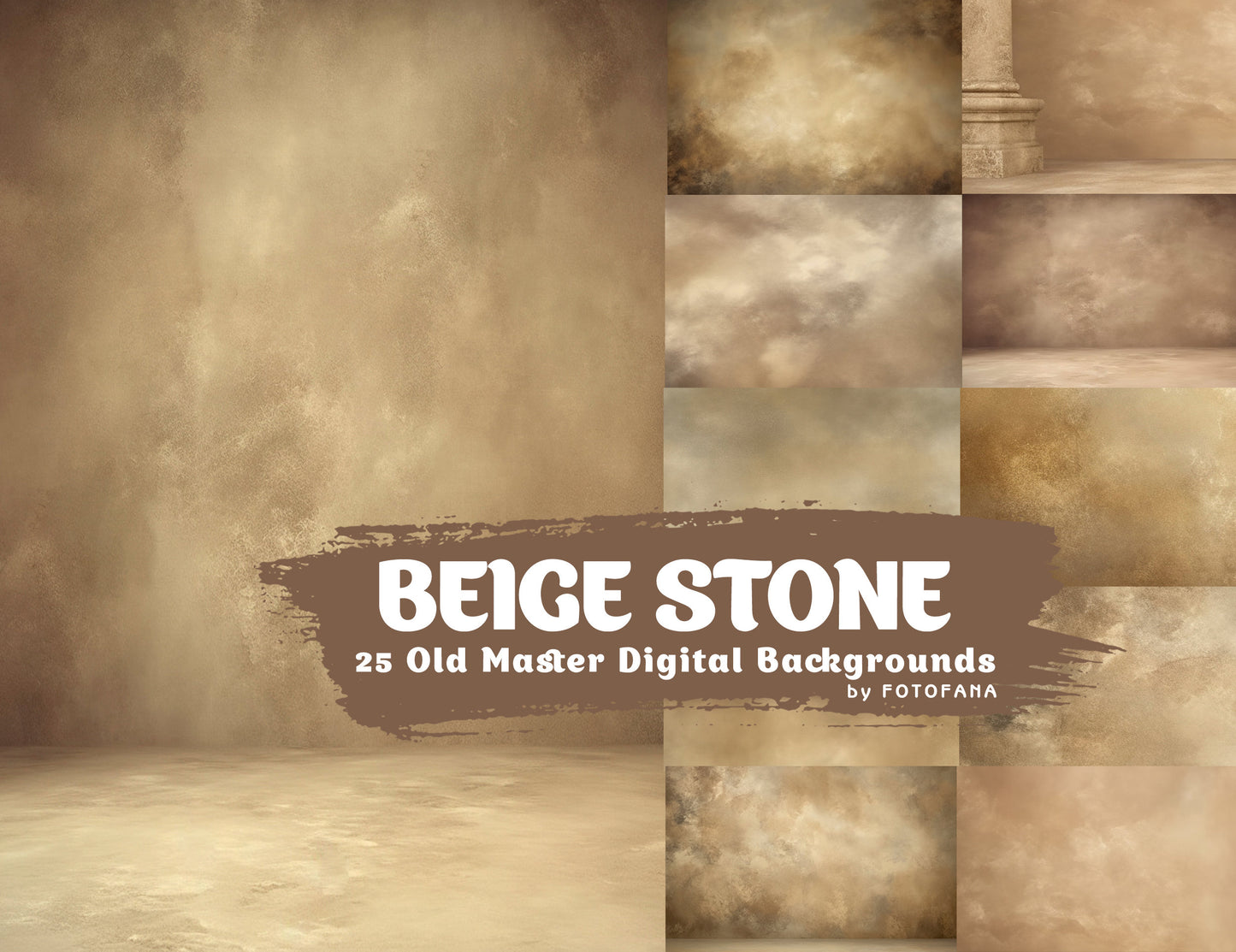
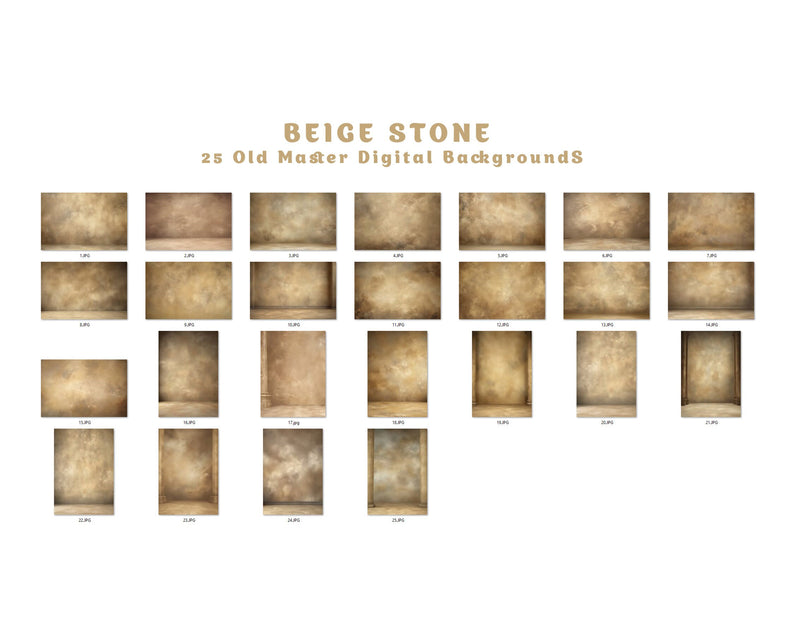
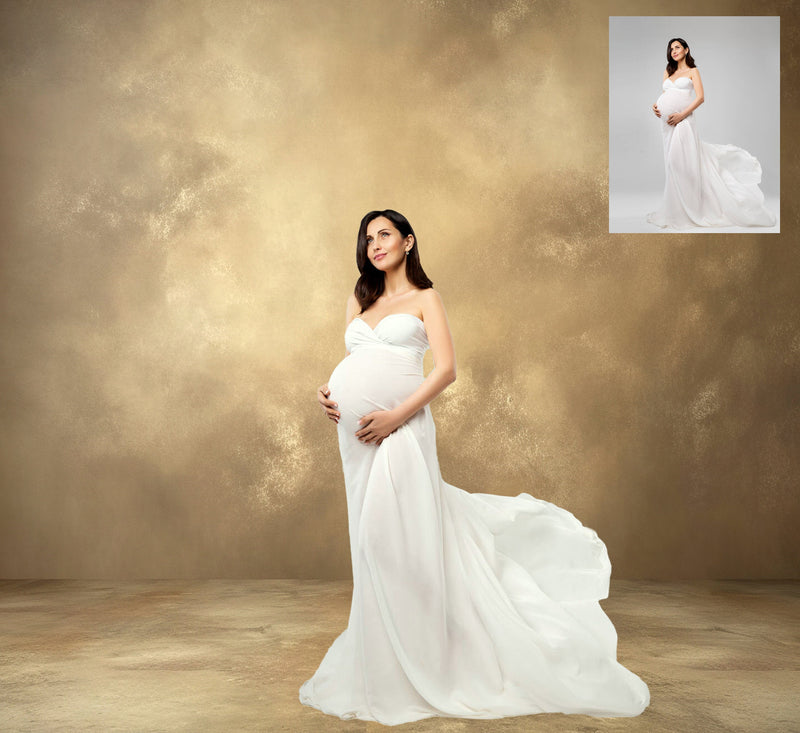
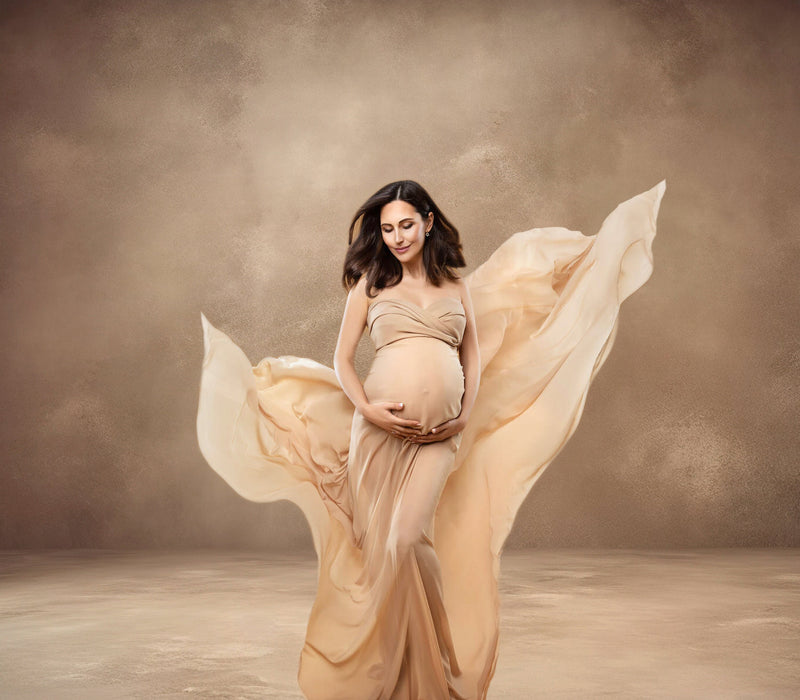
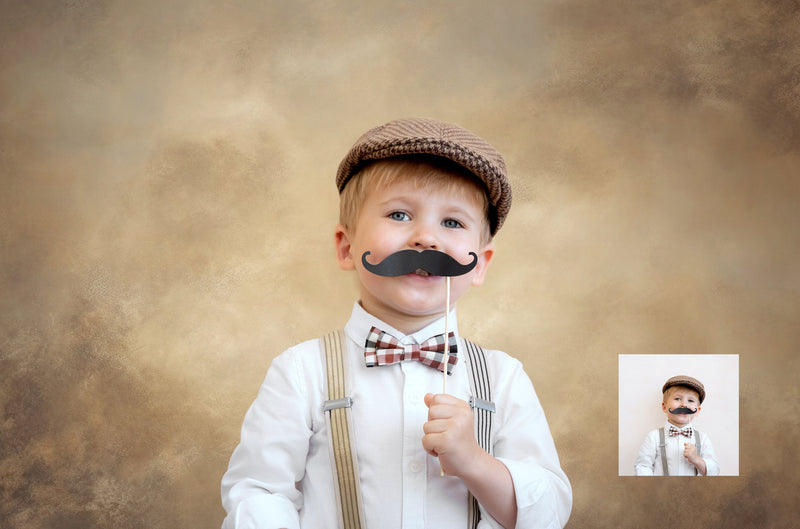
25 Beige Stone Old Master Digital Background Studio Portrait Backdrop Grunge Background Graduation Background Studio Maternity Backdrop

25 Beige Stone Old Master Digital Background Studio Portrait Backdrop Grunge Background Graduation Background Studio Maternity Backdrop

Regular price $27.00
Regular price $54.00 Sale price $27.00
Sold out

Limited Time Offer 🔥

  • Designed for portraits & creative editing
  • Suitable for beginners and professionals
  • Ready to use — start creating today
Secure checkout guaranteed
Instant Download
High Resolution
Premium Quality
Customer review
Emily R. ★★★★★
“So easy to use — my portraits look professional in minutes.”
View full details

Best-Selling Bundles

Explore Our Newest Collections designed to support more refined portrait editing provide greater creative flexibility while maintaining a cohesive, professional look.

You Inspire Us!

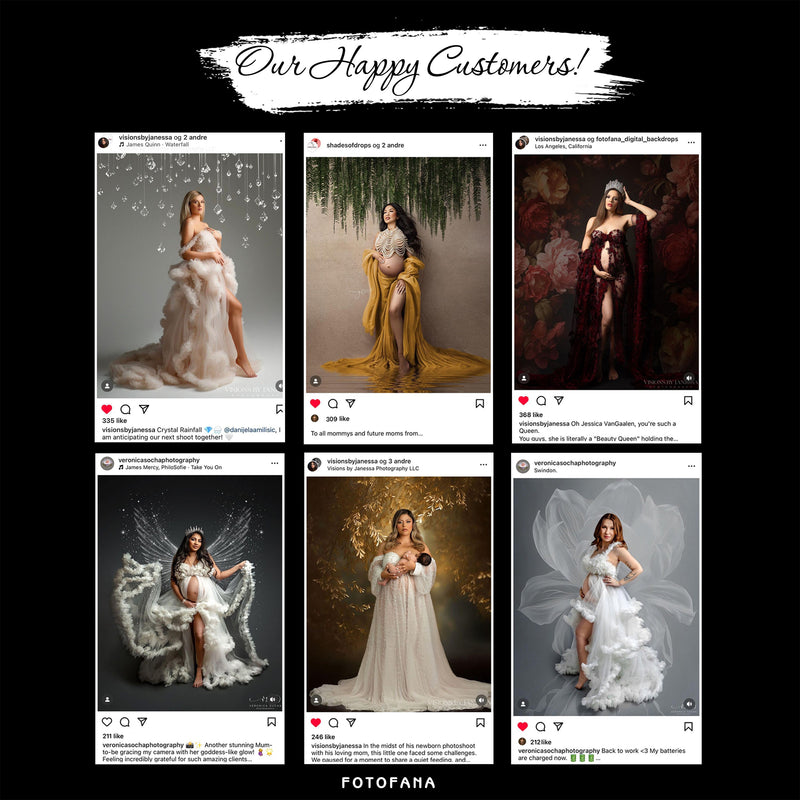
Real edits by genuine Fotofana users

Photoshop Overlay Bundle

Oliver from North Peak Portraits uses the Photoshop Overlay Bundle to add subtle depth and atmosphere to his portraits without affecting skin tones or overcomplicating the edit.
@northpeakportraits

Portrait Pro Collection

Daniel from Slate Studio uses the Portrait Pro Collection to maintain a consistent, professional look across portrait sessions while speeding up his overall editing workflow.
@slatestudio.photo

Dust & Texture Overlay Bundle

Sofia from Luna Portrait Studio uses the Dust & Texture Overlay Bundle to add subtle texture and depth to her images, enhancing mood and detail without distracting from the subject.
@lunaportraitstudio

Fine Art Background Bundle

Marcus from Ironwood Visuals uses the Fine Art Background Bundle to create painterly, gallery-style portraits with controlled tones and a timeless, refined look.
@ironwoodvisuals

Floral Background Bundle

Elena of Wild Bloom Photography works with the Ultimate Mega Pack Bundle to add soft, organic elements to her portraits while keeping the focus naturally on the subject.
@wildbloom.photo

Works With Popular Image Editors
Adobe Photoshop
Affinity Photo
GIMP
Photoshop Elements

See Why Customers Choose Us

Michael R.

★★★★★
Extremely Pleased

"I've purchased several products from this store for my portrait work, and the quality has been consistently excellent. Everything is well organized, easy to use, and clearly made with photographers in mind. It’s become a regular part of my editing workflow."

Emily S.

★★★★★
Fantastic

"These overlays work beautifully for portraits and fine art edits. They blend naturally in Photoshop and help create mood and depth without overpowering the subject. The results feel subtle, cinematic, and very professional."

Daniel K.

★★★★★
Best Results Every Time

"I use these tools regularly for portrait photography, and they help elevate my images without adding complexity. The files are high resolution, easy to work with, and deliver consistent, polished results across different sessions."

FREQUENTLY ASKED QUESTIONS

1. What file formats are provided?

All digital backdrops come in high-resolution JPG og PNG format, making them compatible with almost any photo or design software.

2. Are the images suitable for printing?

Yes.Yes, all our digital products have a resolution of 300 dpi, which meets standard printing requirements. This ensures good print quality for most common uses. Please note that some products may include artistic or stylized effects, so slight softness in the images can be part of their design.

3. What are digital backdrops and how do I use them?

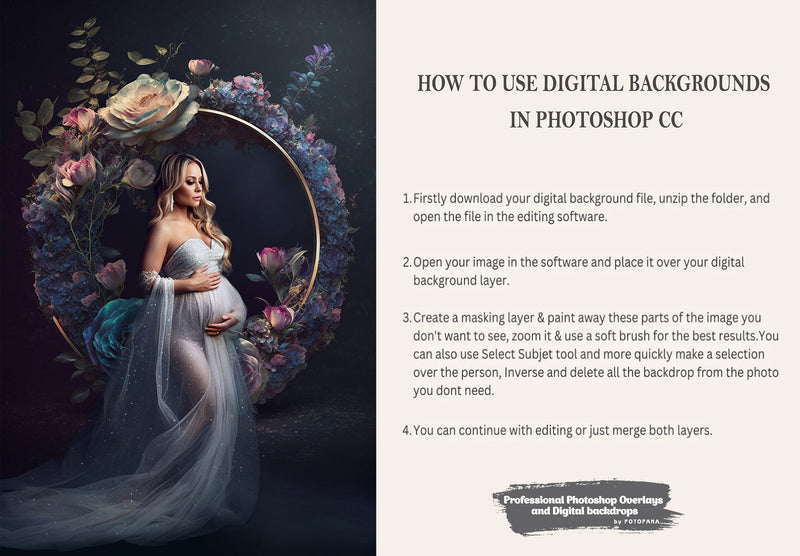
Digital backdrops and Overlays are high-quality images for photography and creative projects. Place them behind your subject in any editor that supports layers (e.g., Photoshop, Canva, GIMP). Simply add the backdrop og overlay, move it behind your subject, and adjust until it looks natural.

4. Can I use these backdrops commercially?

Yes, they can be used in both personal and professional projects—client photoshoots, marketing materials, and design work. Your final piece must include your own creative edits.

⚠️ Please note: reselling, sharing, or redistributing the original files as-is is strictly prohibited.

5. How will I receive the files after purchase?

Immediately after checkout, you’ll receive an email with a download link. All files are organized in a folder for easy access and use.

6. Do I get lifetime access after purchase?

Yes! One-time purchase grants you lifetime access to all files in the collection. Use them anytime with no extra cost.

7. Are these backdrops suitable for video?

Absolutely. Thanks to their high resolution, they work great in video projects—perfect for backgrounds, creative scenes, or cinematic effects.

What Photographers Say About Us

★★★★★ 4.7 / 5.0 Trusted by 1548+ Happy Photographers & Artists
Photographers banner

Full Support Guarantee

Whether you're new to Fotofana or looking to get more out of your products, we’re here to support you.

Our helpful support team is just an email away, ready to answer questions, resolve issues, or simply guide you toward achieving the best results with your Fotofana tools.

📩 Need help? Reach out any time:
info@fotofana.com

Start Transforming Your Photos Today

Join thousands of photographers already enhancing their images with professional overlays.

Get Your Overlay Bundle Now

Take Your Photography
To The Next Level!

Speed Up Workflow

Edit portraits faster and reduce repetitive manual adjustments.

Consistent Professional Look

Achieve clean, cohesive results across all your portrait projects.

Grow Your Visual Presence

Create polished images that attract clients and build trust.

Ready to Elevate Your Photos to a Professional Level?

Learn proven editing techniques and creative workflows used by 35,000+ photographers to achieve polished, professional results.