

Anthony B.
★★★★★
Refined Fine Art Look
"These fine art backgrounds add a refined, artistic feel to my portraits. They look clean, well balanced, and help elevate the final image without extra effort."
FOTOFANA
High-resolution portrait photo backgrounds designed for professional Photoshop editing
Couldn't load pickup availability


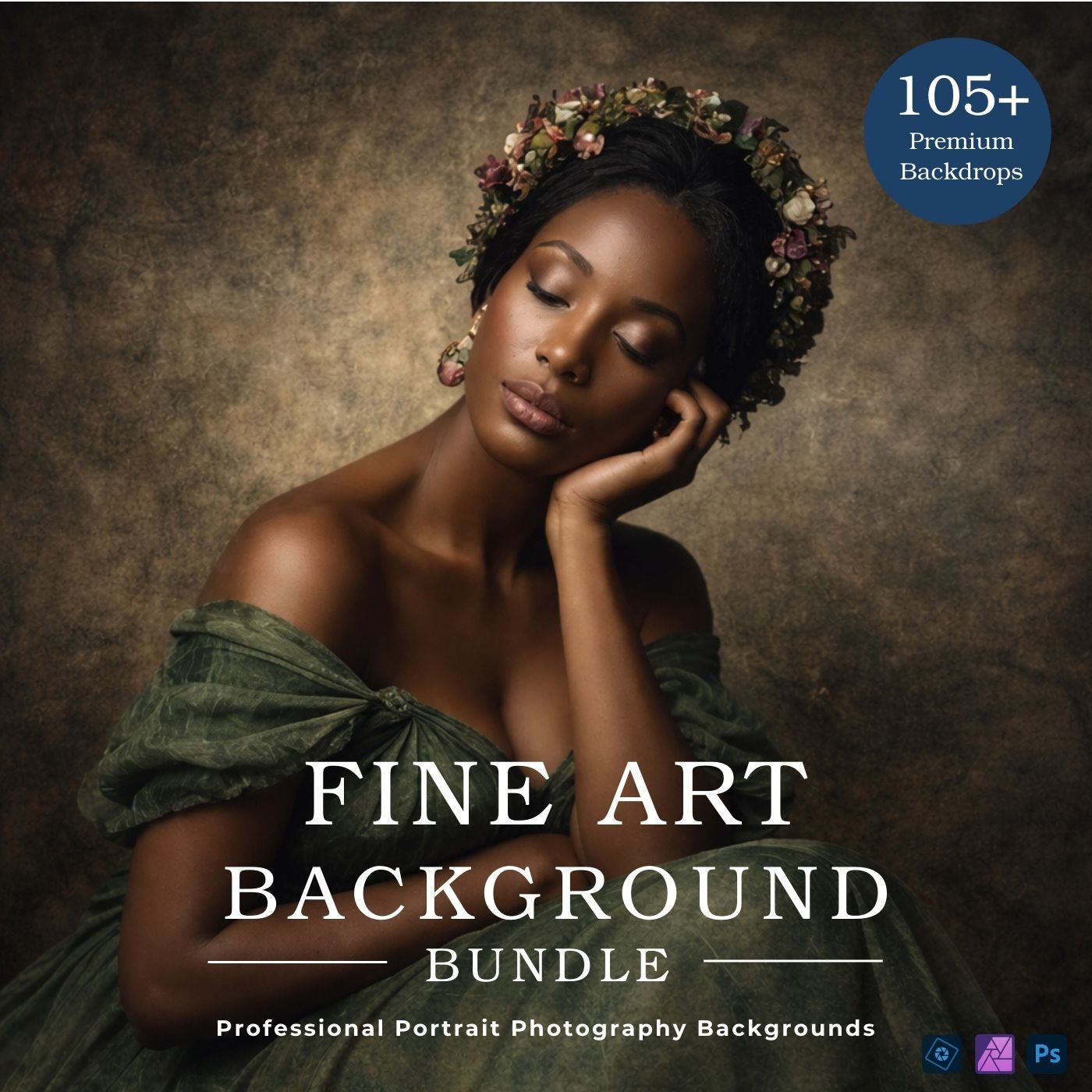
Designed to add depth, mood, and cinematic atmosphere to portraits and fine art edits.
High-resolution digital overlays for creative Photoshop workflows.
105+ High-Resolution Fine Art Backgrounds for Photoshop Ultra-detailed · 10,000 × 6,000 px 300 DPI · JPG format · Instant download


"These fine art backgrounds add a refined, artistic feel to my portraits. They look clean, well balanced, and help elevate the final image without extra effort."
"I really enjoy working with these fine art backgrounds. They blend beautifully with portraits and give the image a soft, gallery-style look that feels intentional."
"Great collection for fine art and creative portrait work. The backgrounds feel thoughtfully designed and make it easy to achieve a polished, artistic result."
All digital backdrops come in high-resolution JPG format, making them compatible with almost any photo or design software.
Yes. Each backdrop is provided at 10,000 × 6,000 pixels and 300 dpi, ensuring excellent quality even for large-scale prints.
Digital backdrops are high-quality images for photography and creative projects. Place them behind your subject in any editor that supports layers (e.g., Photoshop, Canva, GIMP). Simply add the backdrop, move it behind your subject, and adjust until it looks natural.
Yes, they can be used in both personal and professional projects—client photoshoots, marketing materials, and design work. Your final piece must include your own creative edits.
⚠️ Please note: reselling, sharing, or redistributing the original files as-is is strictly prohibited.
Immediately after checkout, you’ll receive an email with a download link. All files are organized in a folder for easy access and use.
Yes! One-time purchase grants you lifetime access to all files in the collection. Use them anytime with no extra cost.
Absolutely. Thanks to their high resolution, they work great in video projects—perfect for backgrounds, creative scenes, or cinematic effects.

Whether you're new to Fotofana or looking to get more out of your products, we’re here to support you.
Our helpful support team is just an email away, ready to answer questions, resolve issues, or simply guide you toward achieving the best results with your Fotofana tools.
📩 Need help? Reach out any time:
info@fotofana.com
Edit portraits faster and reduce repetitive manual adjustments.

Achieve clean, cohesive results across all your portrait projects.

Create polished images that attract clients and build trust.