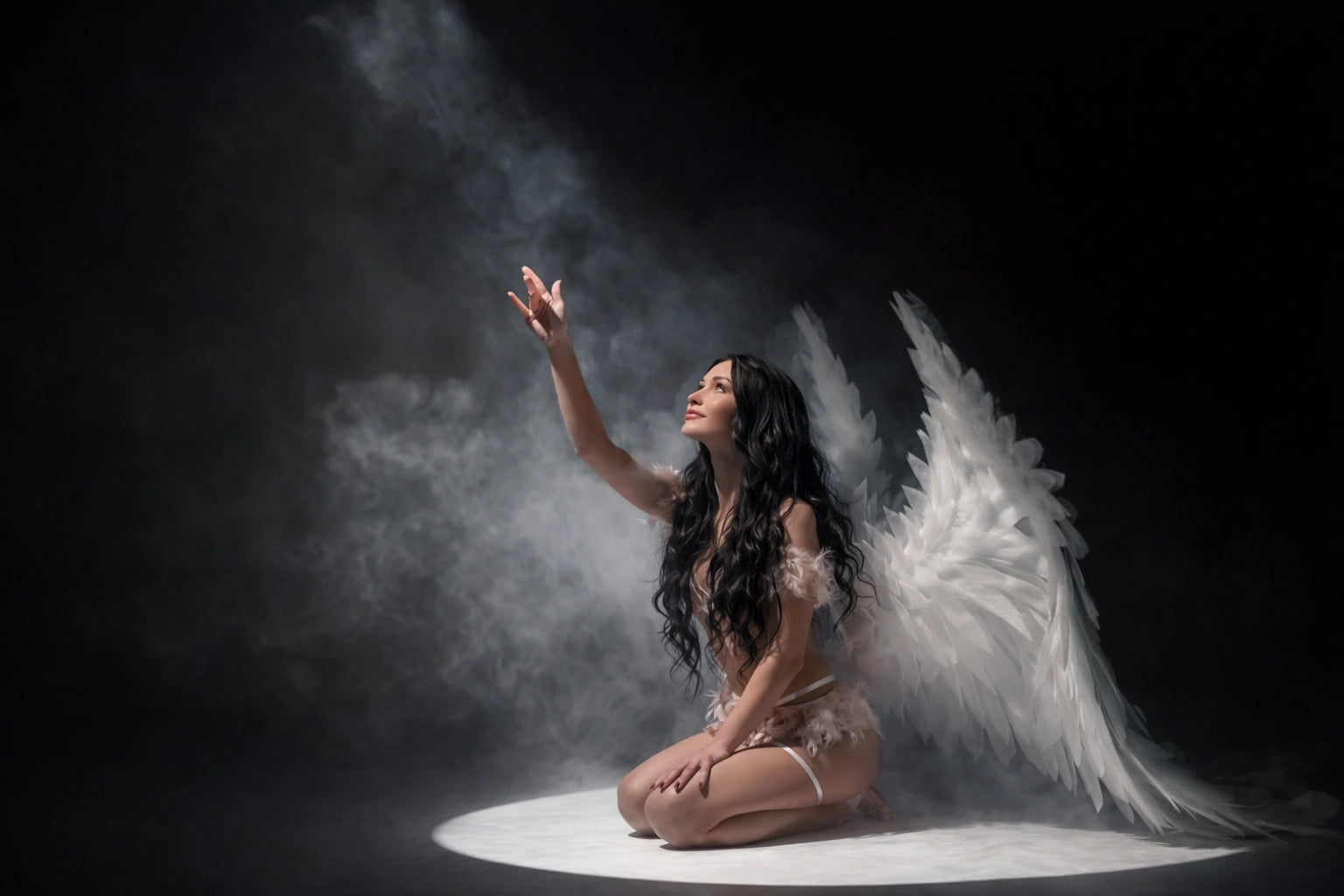
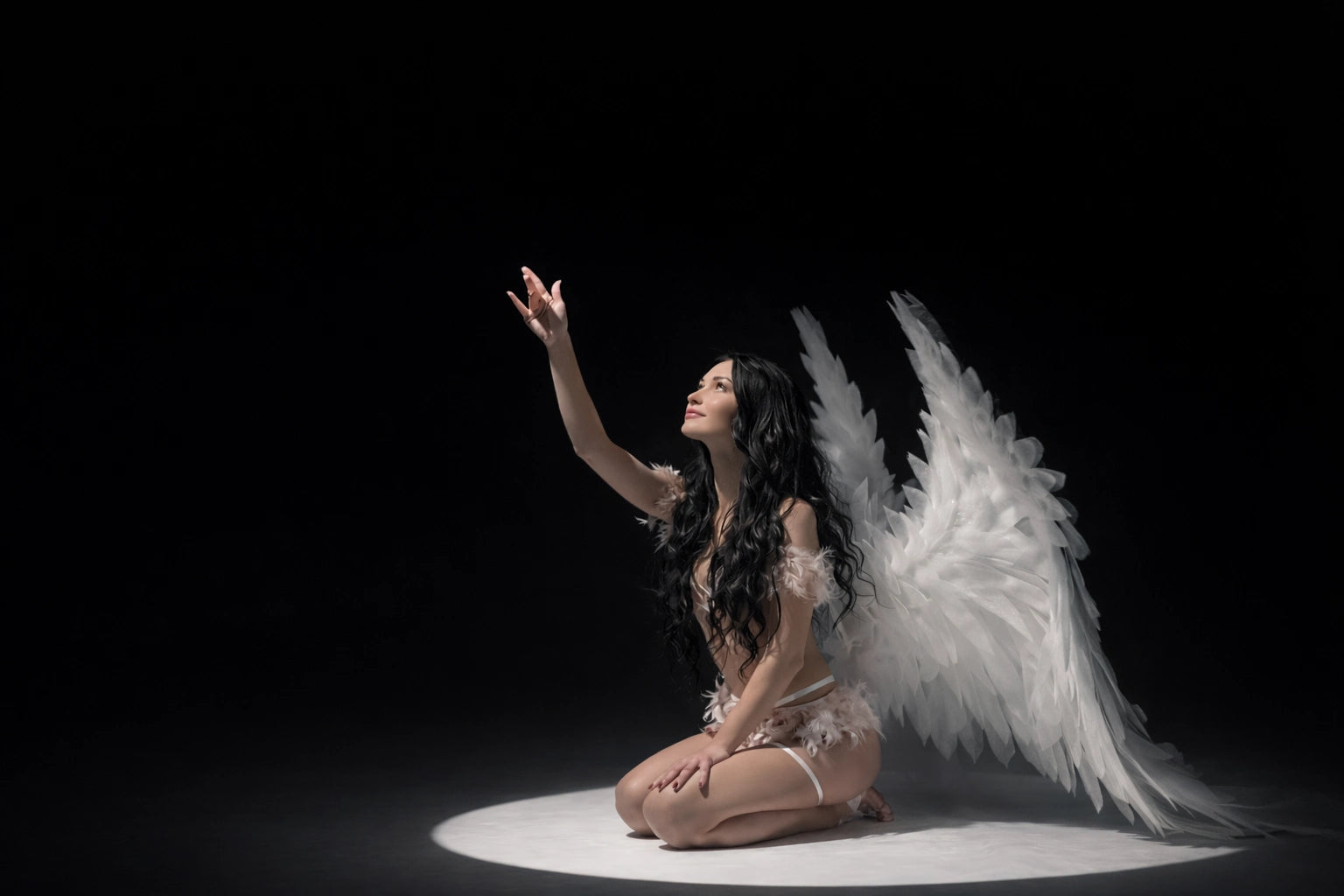
Photoshop Overlays — Before & After

See real before and after examples showing how Photoshop overlays change lighting, texture, and visual atmosphere during photo editing.
Try with free overlays
Download and try our FREE Photoshop Overlays pack
to instantly refresh the look of your photos.
Light overlay for Photoshop portrait photo editing used in professional workflows
Light overlay applied to portrait photography photo editing in Photoshop

Photoshop Overlay Bundle

Designed to enhance portraits without heavy retouching. Perfect for photographers who want a stronger, more professional look with minimal effort and consistent results.

Photoshop light overlays for quick glow and highlight effects
Sun flare light overlays for warm cinematic portraits

Add depth, mood, and cinematic atmosphere to your portraits.
High-resolution overlays made for realistic Photoshop edits.
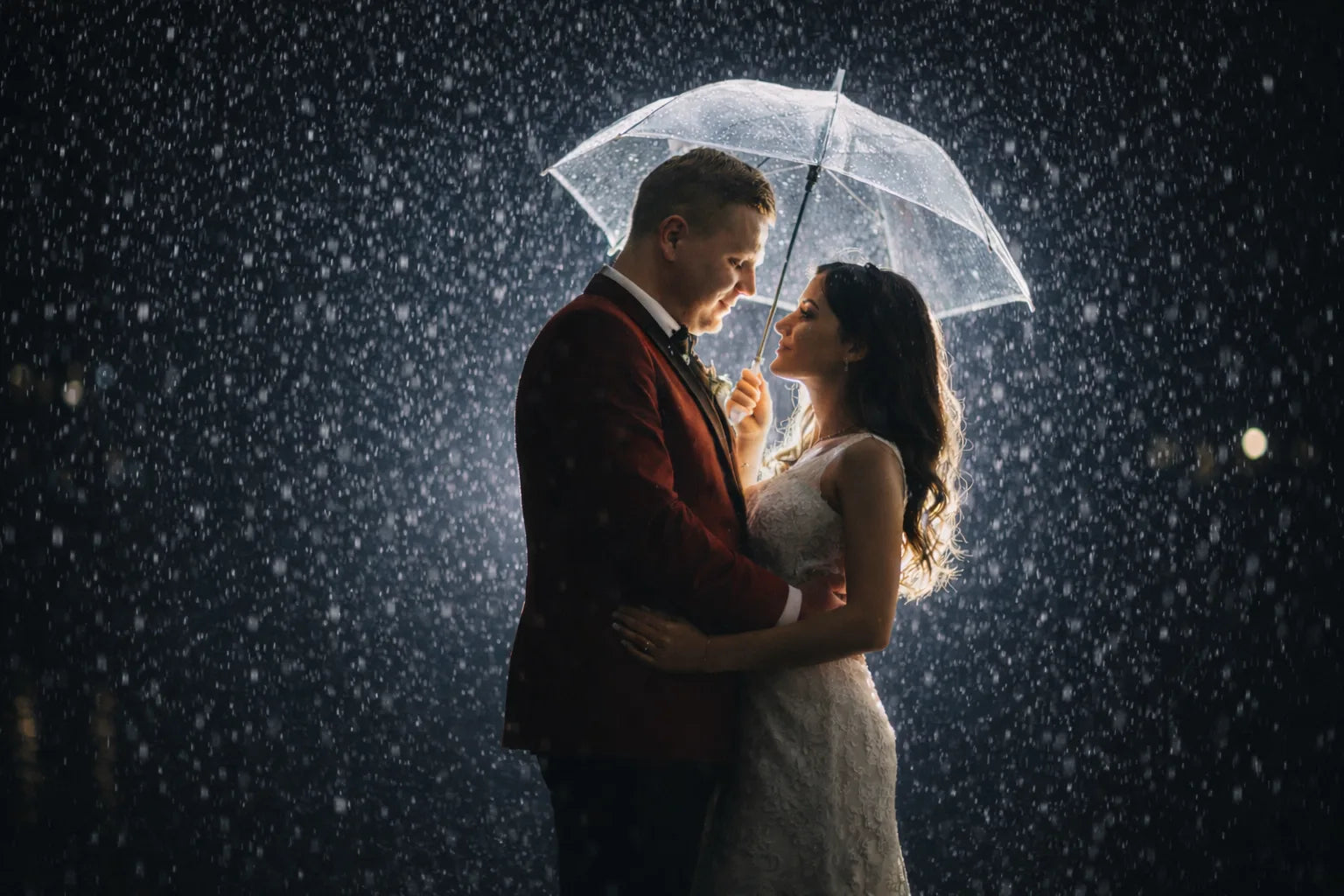
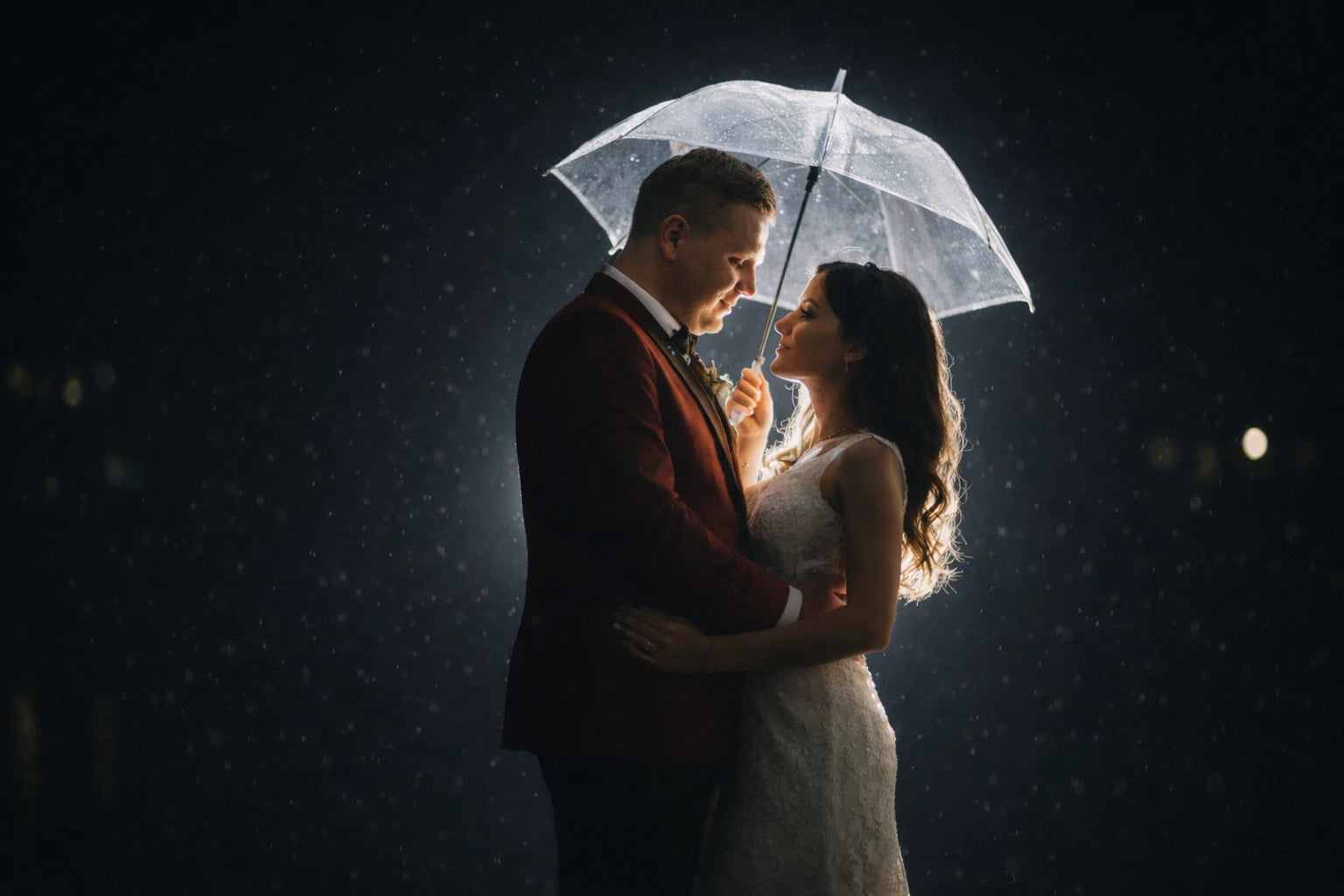
Rain overlay for Photoshop portrait photo editing used in professional workflows
Rain overlay applied to portrait photography photo editing in Photoshop

Instantly elevate your portraits to a cinematic, editorial look. Easy-to-use Photoshop overlays add depth, atmosphere, and professional finishing touches in seconds.

Photoshop fog overlay example on portrait photo, realistic atmospheric mist effect, fog overlay bundle for photo editing
Realistic fog overlay Photoshop bundle preview, cinematic mist effect on portrait photo, atmospheric fog for photo manipulation

Make your portraits instantly look more expensive and editorial. Easy-to-use PNG overlays — add light, texture, and signature finishing touches in seconds.
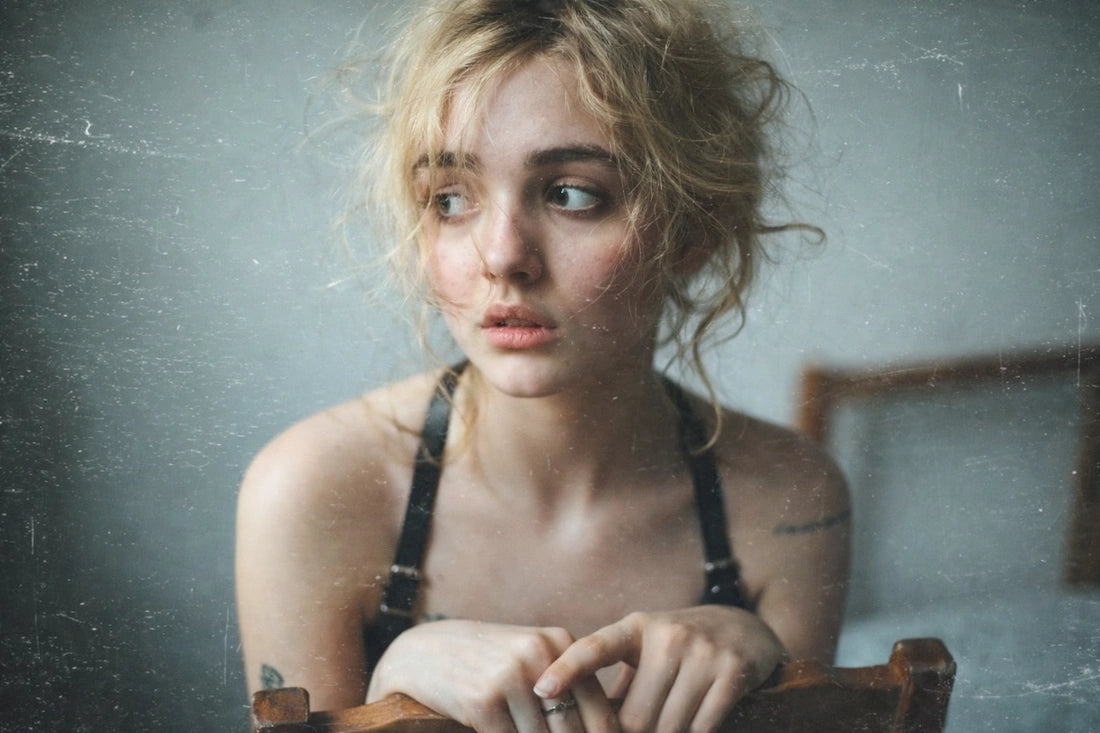
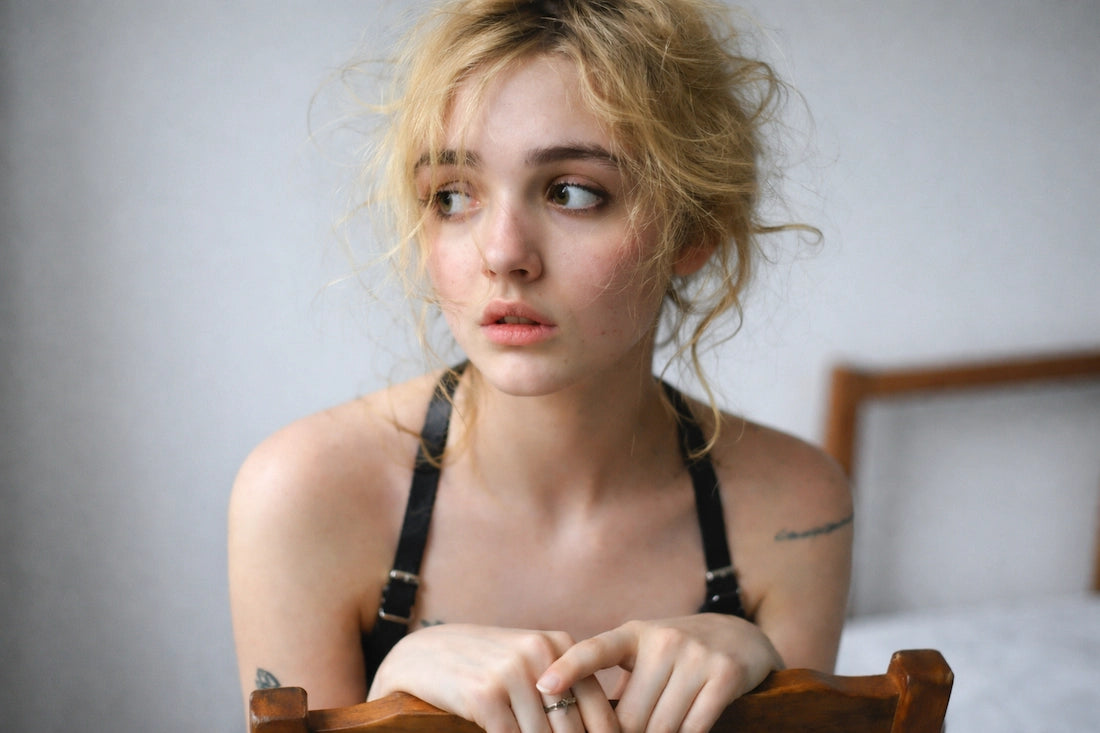
Subtle texture overlays for professional non-destructive workflow
Vintage dust and texture effects for analog style portraits

A versatile overlay collection for any style and any shoot. Use subtle effects or bold creative looks — from studio portraits to fine art edits and social media content.

Fog Overlay Bundle for Photoshop – Realistic Smoke & Mist Effects
Football player portrait with realistic fog overlay on dark background – Photoshop smoke effect example

Create consistent, professional results across every edit. Fine-tune light, contrast, and texture while keeping your portraits natural, cohesive, and publication-ready.

Analog film grain overlay texture for photo editing
A professional film grain overlay bundle designed for photography and photo editing. Ideal for adding natural analog texture to digital images.

Bring your creative vision to life with controlled light, mood, and texture — turning everyday portraits into expressive, polished, and professional images.
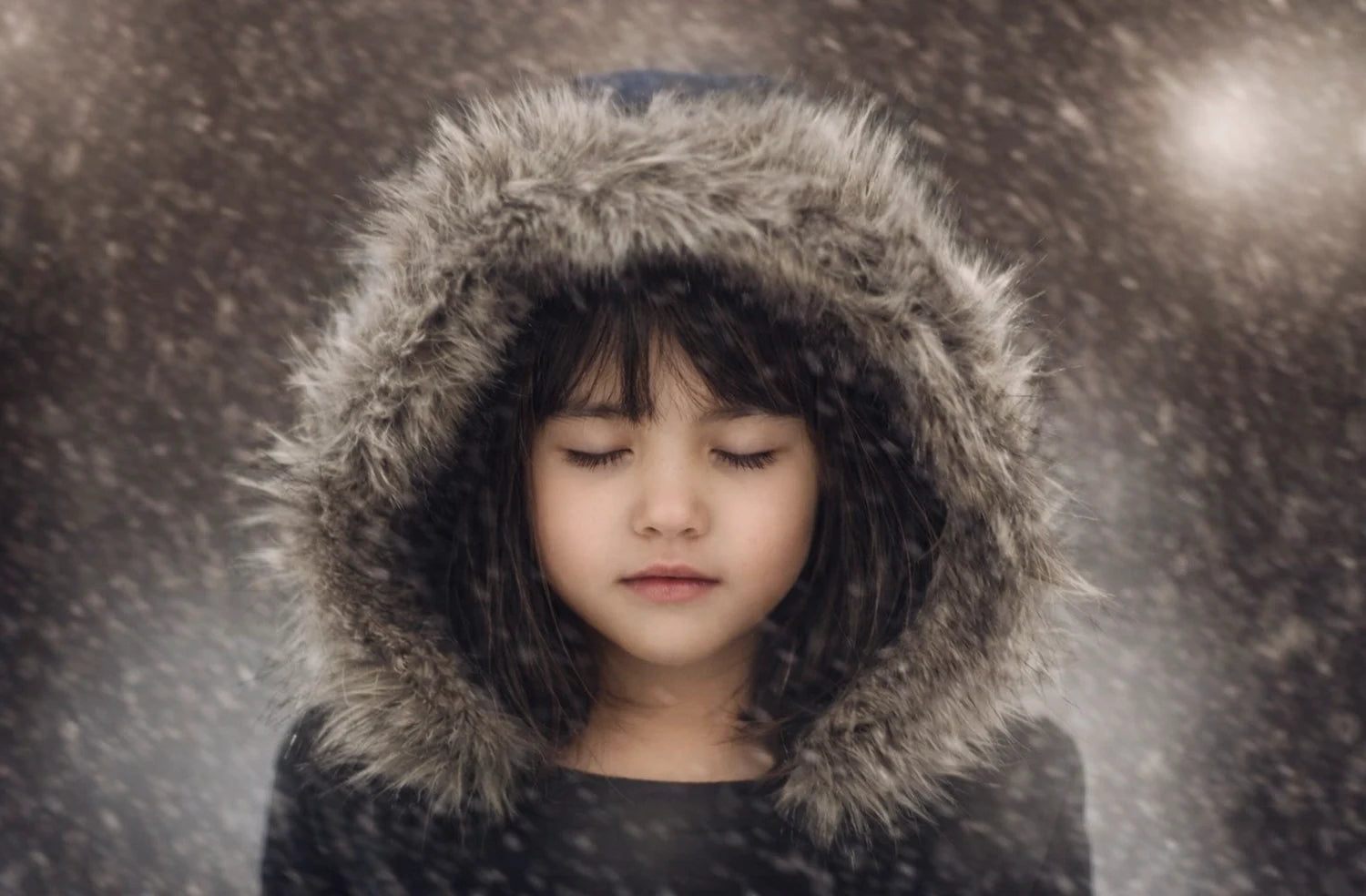
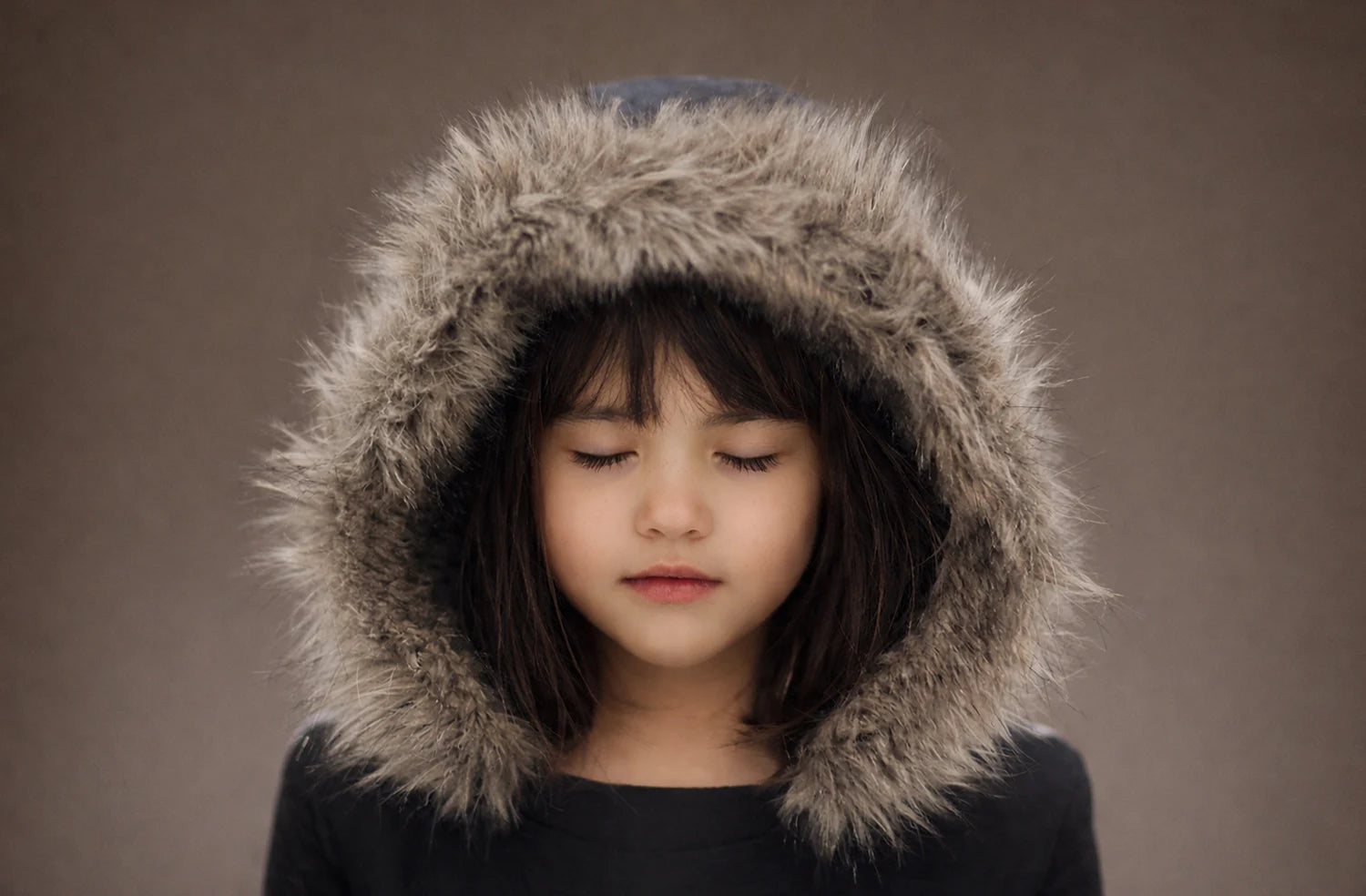
Snow overlay designed for commercial portrait photo editing projects

Tired of flat, lifeless portraits that feel unfinished? These Photoshop overlays help you fix dull lighting, add dimension, and achieve a polished look without hours of retouching.

Get Free Overlays Now
Download and try our FREE Photoshop Overlays pack
to quickly enhance your images and explore new creative looks.